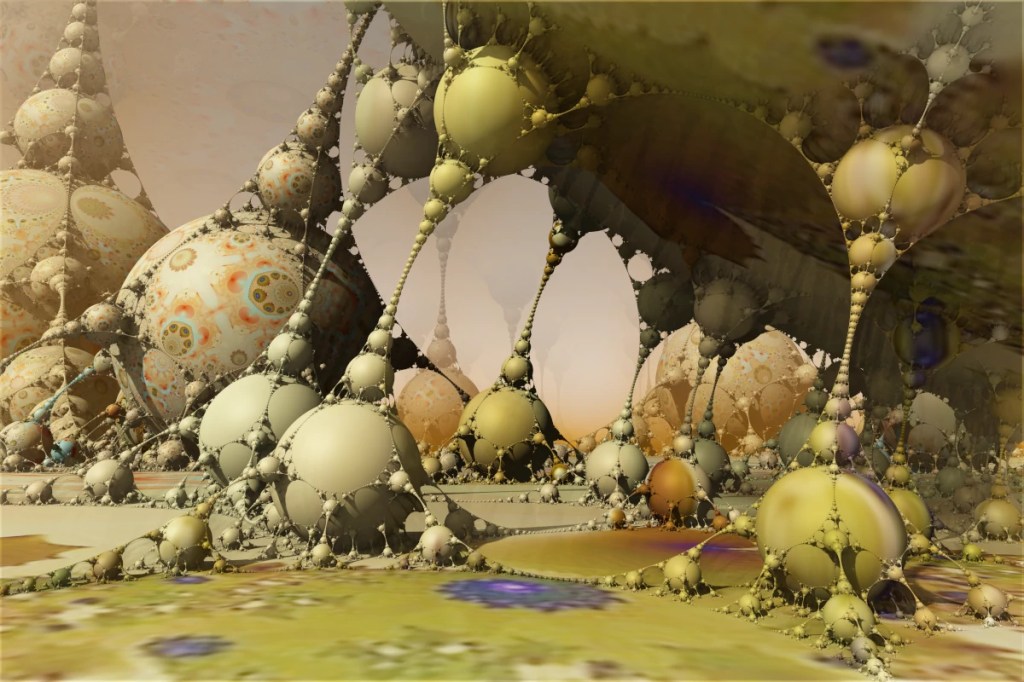
I’ve been spending a considerable amount of time in Mandelbulber 2. The above is one example. The texture is something I generated in 2003 (If the date on the file is correct.) in Fractal Explorer. (Which I don’t seem to be able to find a link to.)
The S.A.A. Collective no longer has a page on Artnet. We’ve set up a new page on FASO. You’ll be able to view and purchase my work at saacollectivegallery.com as soon as the page is finished. 🙂
If you’re one of those folk that might be willing or even eager to visit the deepest, darkest depths of graphical insanity… Mandelbulber is for you! On a psychedelic scale from marijuana to L.S.D. (pot being a one and acid being a ten)… this rates somewhere around mescaline.
The program does 3d fractals, and is addictive as hell. It requires a fairly hardcore machine to get any real use out of. A good gaming machine should do you, though… whilst you’re in the throes of your addiction, you might opt to set up network rendering. Mandelbulber will allow you to use a system called “Netrender” to take full advantage of your local LAN or maybe that blade server that you’ve got set up in the basement, but just really haven’t figured out what you’re going to use it for, to create images.
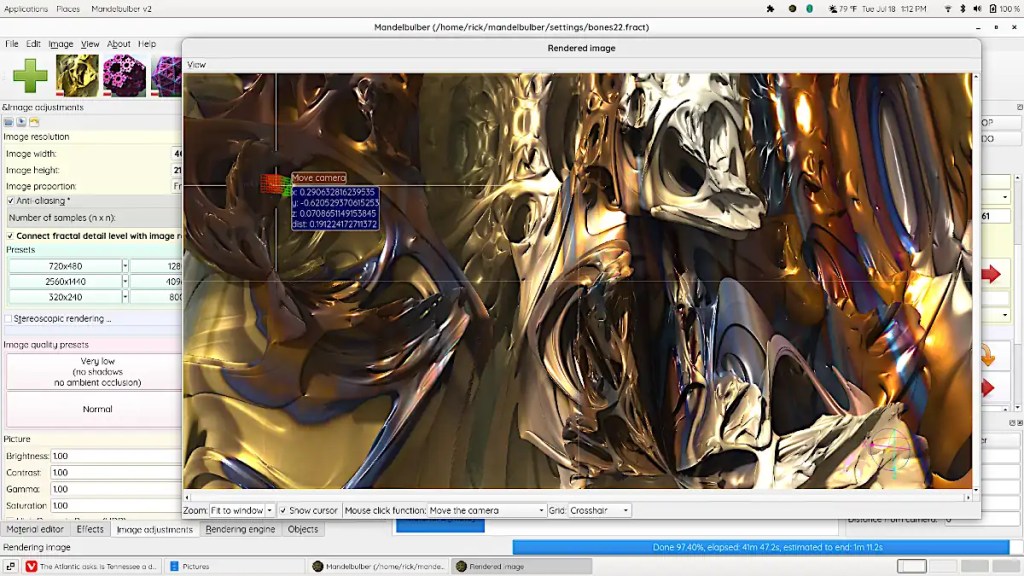
This is not a simple program and it does have an incredibly high learning curve. Thankfully, the developers have done a great job of making the thing as user friendly as possible. Mandelbulber comes with many different fractal types and will let you combine them as hybrid fractals to develop even more. It provides a materials editor similar to those in 3d programs. You can build really complex surfaces with options like specularity, luminosity, transparency, reflection and so on and so on. The program will build fractal animations and will even allow you to animate parameters using an audio file. You can export 3d meshes and voxels to use in 3d programs and printers.
On linux, you can probably install this from your local repository. There is an AppImage available as well. The program’s also available for Windows and OSX. You can download it here. It’s open source; if you feel like contributing to the actual program, you can.
The image here is fairly simple. It’s a fairly short dive into one of the default types. I’ve used a photo of one of my paintings as a texture and fiddled with the specularity, luminosity and so on.
 Studio Time