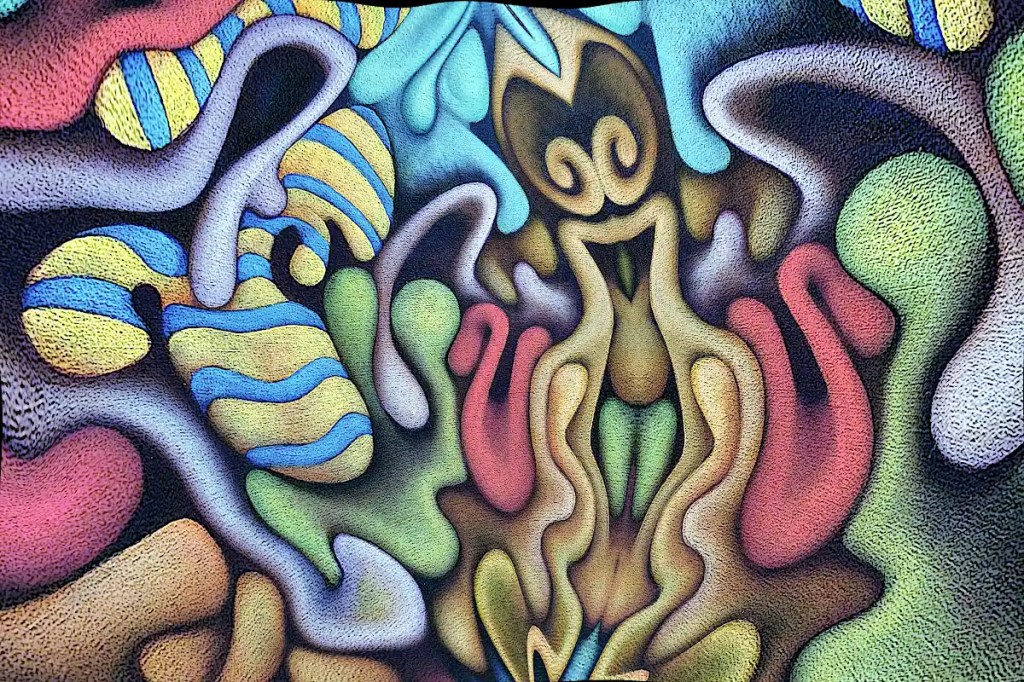
This began life as a photo of “Nefarious Doings Down on the Farm“. As I’ve said elsewhere, I like subjecting my images to the “Little Planet” filter in gimp. This particular image has been mirrored, “planeted”, warped and variously distorted to a fairly high degree. I have a few hundred of these that I fiddle with once in a while. While I was fiddling with this image, I decided that the figure in the center really resembles an evil queen (Probably the source of all of those nefarious doings.) and deserves to be painted as such. I’ve set about doing just that:
I’d previously run the cartoon filter on this; which looks really cool but imparts a texture that I really didn’t want in the print that I intended to work from. So… I ran gimp’s dilate filter across it… several times. That removed most of it. I ran the cartoon filter again, because it does a nice job of defining the edges of things, then desaturated the image and raised the output levels so that it’s fairly light. I don’t want to waste a huge amount of ink on this and I want to be able to draw on it when I transfer it to the panel and actually be able to see what I’m drawing.
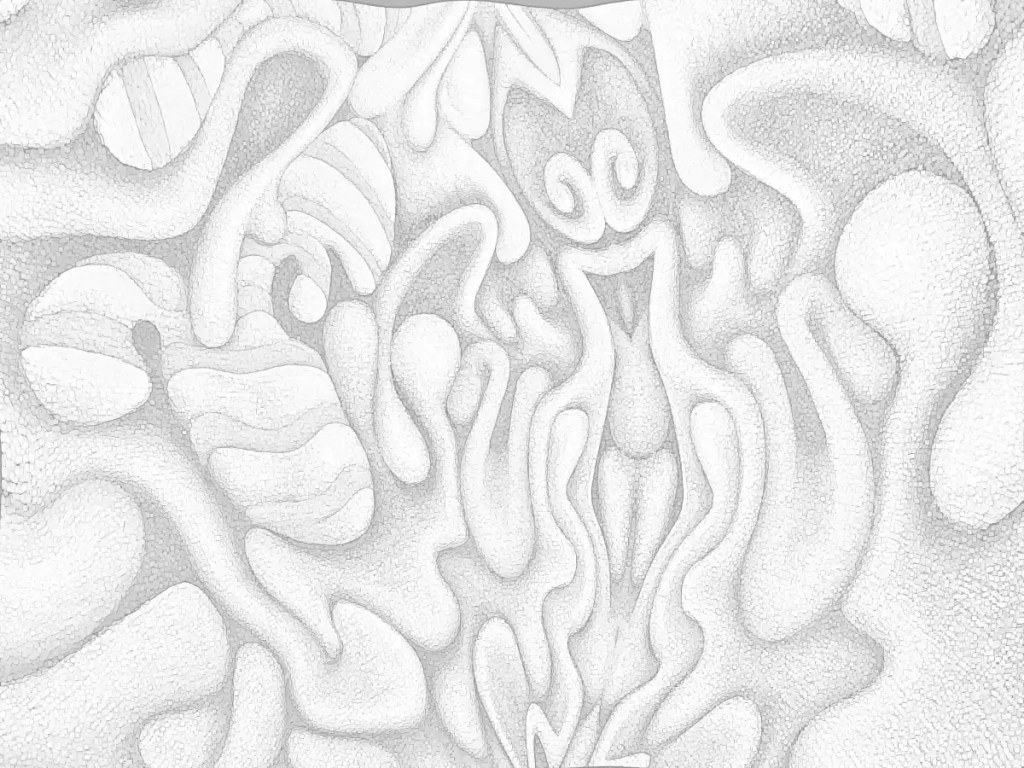
I decided that this needs to be 30×40 inches 🙂 seeing that I just happen to have a couple of 30×40 panels cut. I don’t have a 30×40 printer and the idea of driving downtown to get this printed doesn’t really appeal to me. Optionally, I suppose I could connect the computer to the television and use that as a light table (Hold a piece of paper to your monitor… You’ll see what I mean.). That’s sort of a pain though. Using a projector is just as much of a pain and the “grid method” just isn’t happening. I suppose I could simply re-draw it, seeing that I’ll be making changes to it anyway, but I think I’d probably lose some of what makes it appealing to me. I want a hard copy, so the best option I have is to print this out as tiles, tape them all together, transfer that and so on…
I could use the tiling function in some printing program that does it automatically. That just strikes me as horribly inaccurate though. That leaves me with slicing the thing up and printing pages individually. Many graphic programs offer some sort of “slicing” function. Gimp will let you set guides and slice things that way. So… I scaled this to 30×40 inches at a print resolution of 72. I’m not really looking for high resolution and… ink…
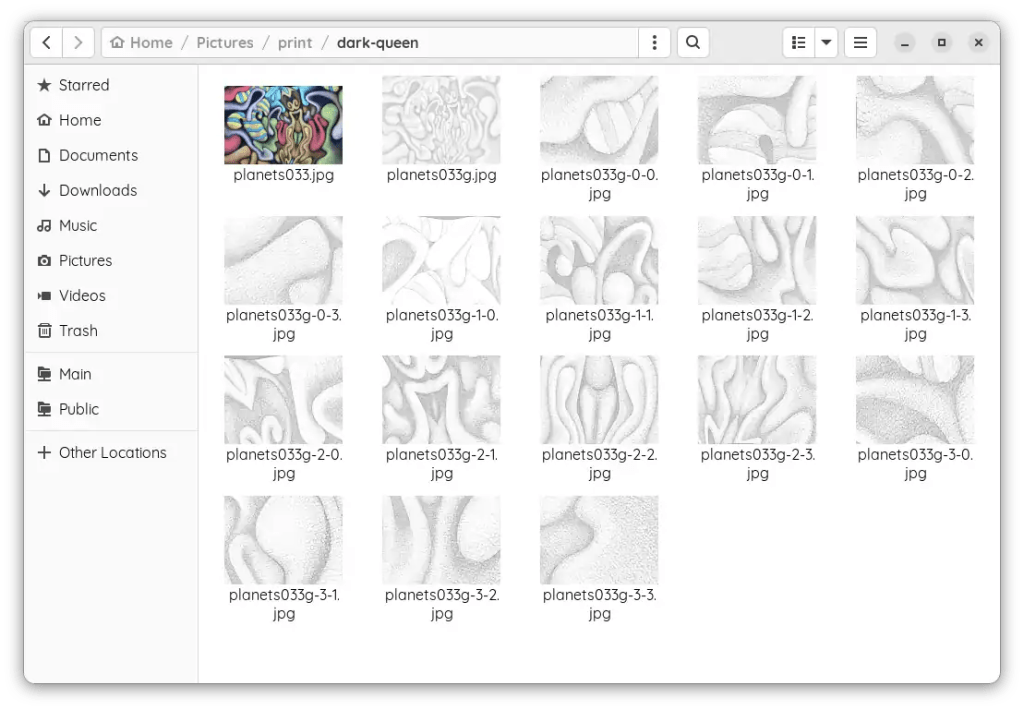
I set the guides, sliced the images and saved them out individually; 16 10×7.5 images. It’s really not as much work as it might seem. The entire process of making the prints took me about twenty minutes. Gimp is nice enough to number them all so you don’t have to play jigsaw puzzle with them when you put them together.
 Studio Time
Leave a comment